Planner
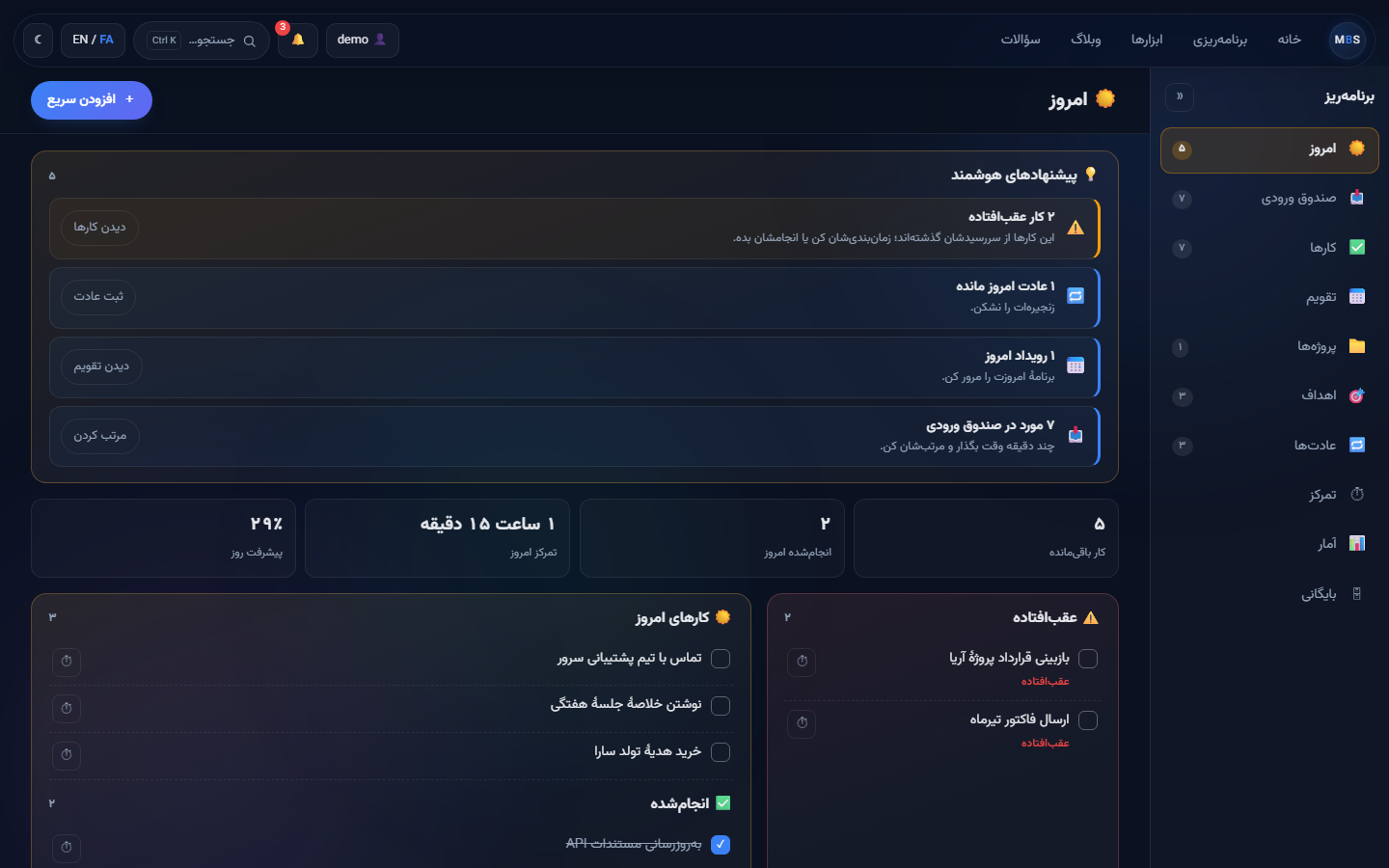
The heart of the system: today, inbox, tasks, calendar, projects, goals, habits, a focus timer, statistics and an archive — ten tabs, one place.
- Jalali calendar
- Recurring series
- Eisenhower matrix
- Pomodoro

MBS Workspace brings your tasks, calendar, notes, reading, money and files together in a single, quiet workspace. Persian and English, Jalali calendar, and it keeps working offline.
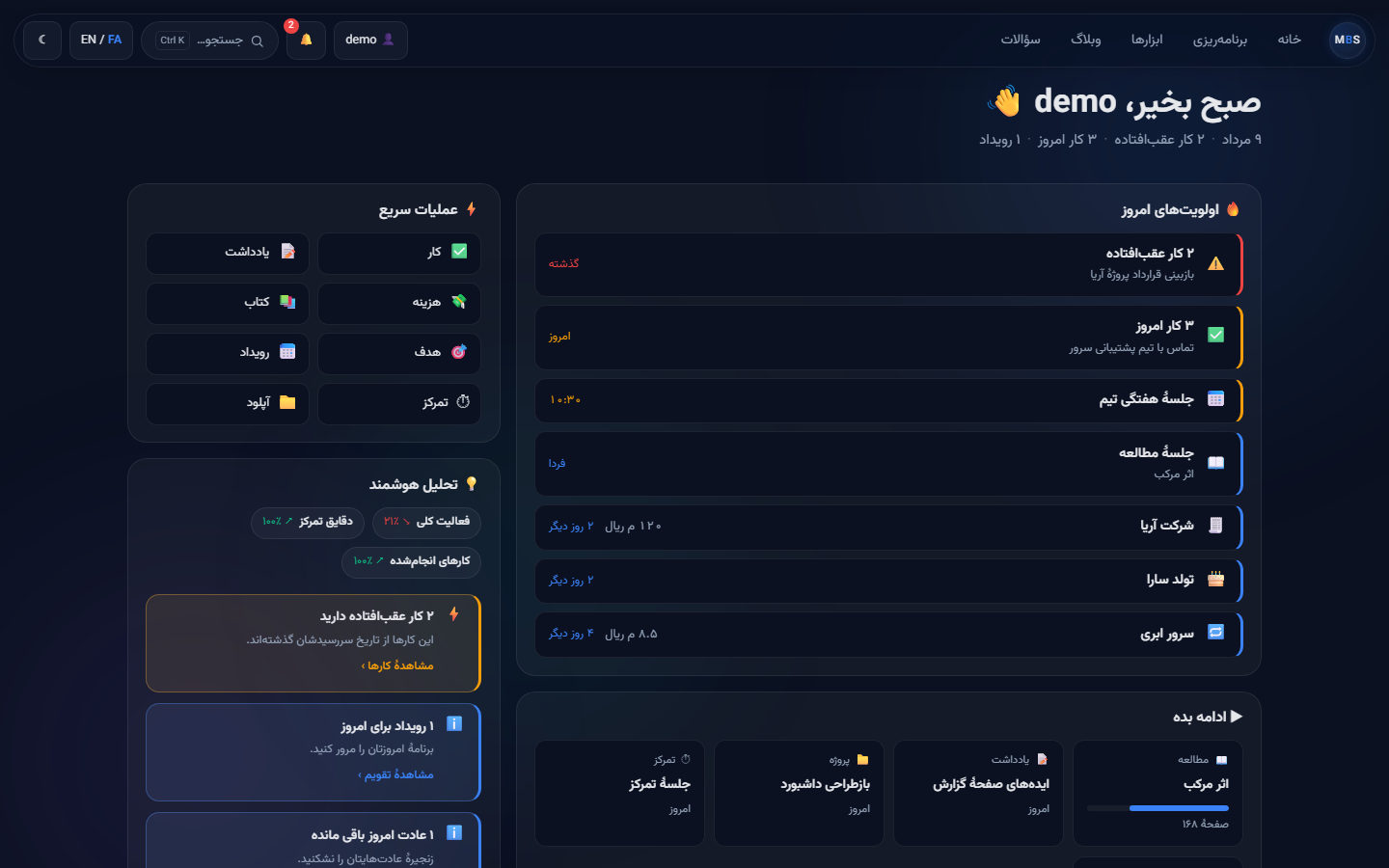
Most tools solve one slice of a day. MBS is built the other way round: the modules share one account, one search box and one calendar, so a task, a reading session and a payment due date all live on the same day.
A goal rolls up from its projects, its tasks and its habits. A focus session lands in your statistics and against the goal it belonged to.
Jalali calendar with official holidays, right-to-left layout, Persian digits and Rial/Toman — not an afterthought translation.
No third-party analytics, no CDN calls, no ads. Two-factor authentication and passkeys are built in, not an upsell.
The heart of the system: today, inbox, tasks, calendar, projects, goals, habits, a focus timer, statistics and an archive — ten tabs, one place.
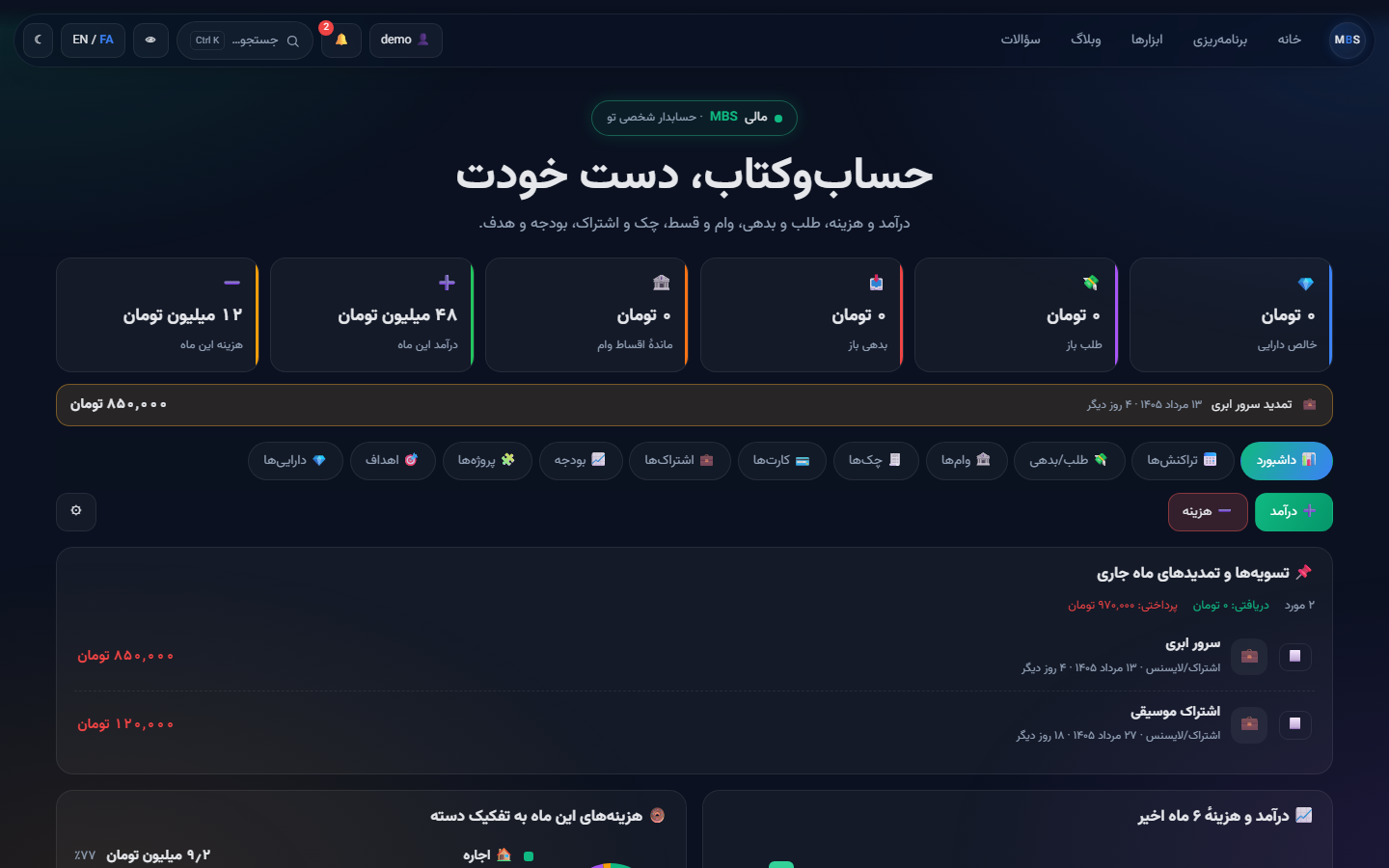
Transactions, debts, cheques, cards, budgets, subscriptions and a full instalment-loan engine that models Iranian lending — including fee-only instalments.
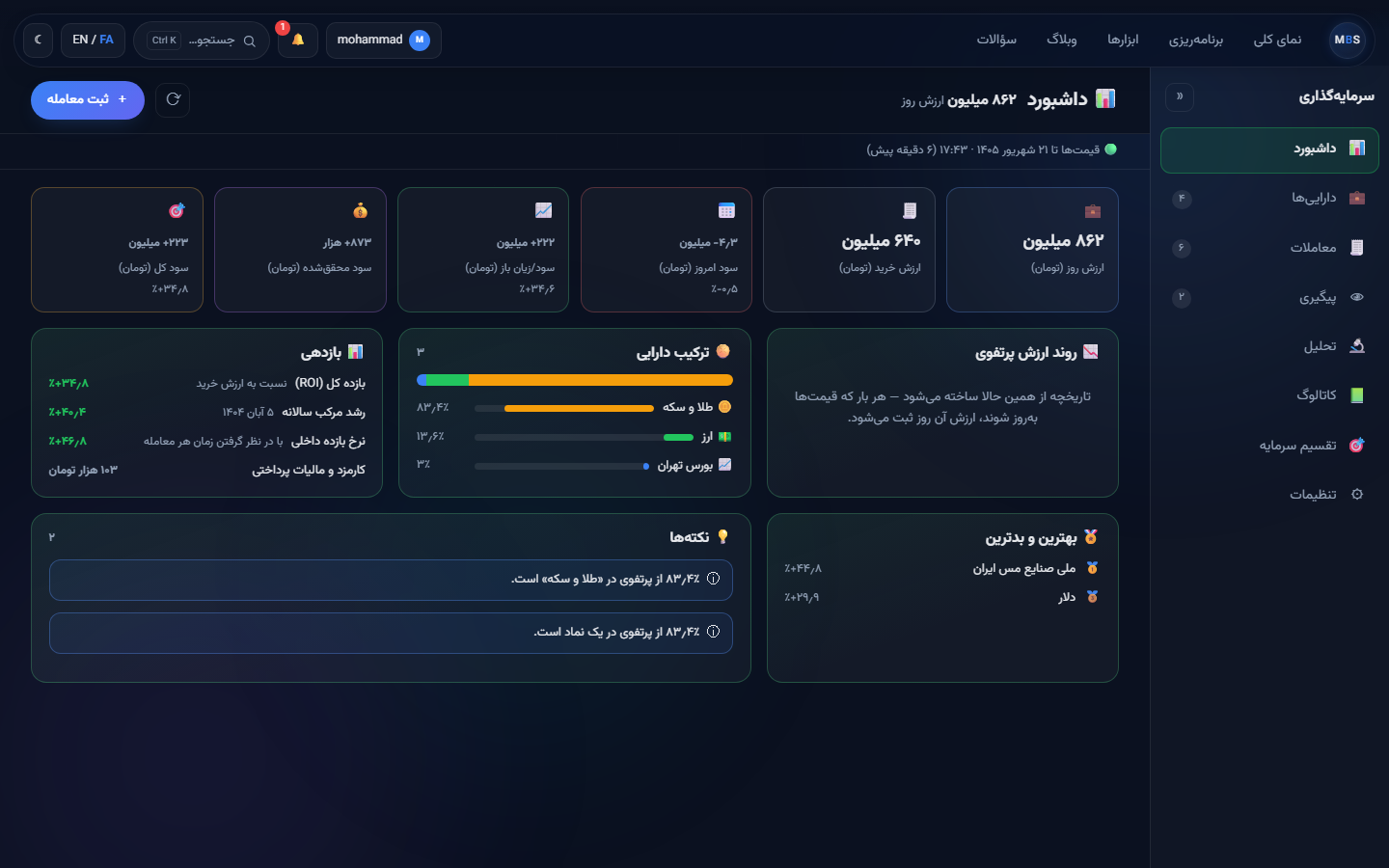
Shares, funds, gold, currency and crypto in one portfolio, priced live from the Tehran exchange and the open market. A position is derived from its transactions, so average cost, realised profit, a dividend and a capital increase are all things it can actually express.
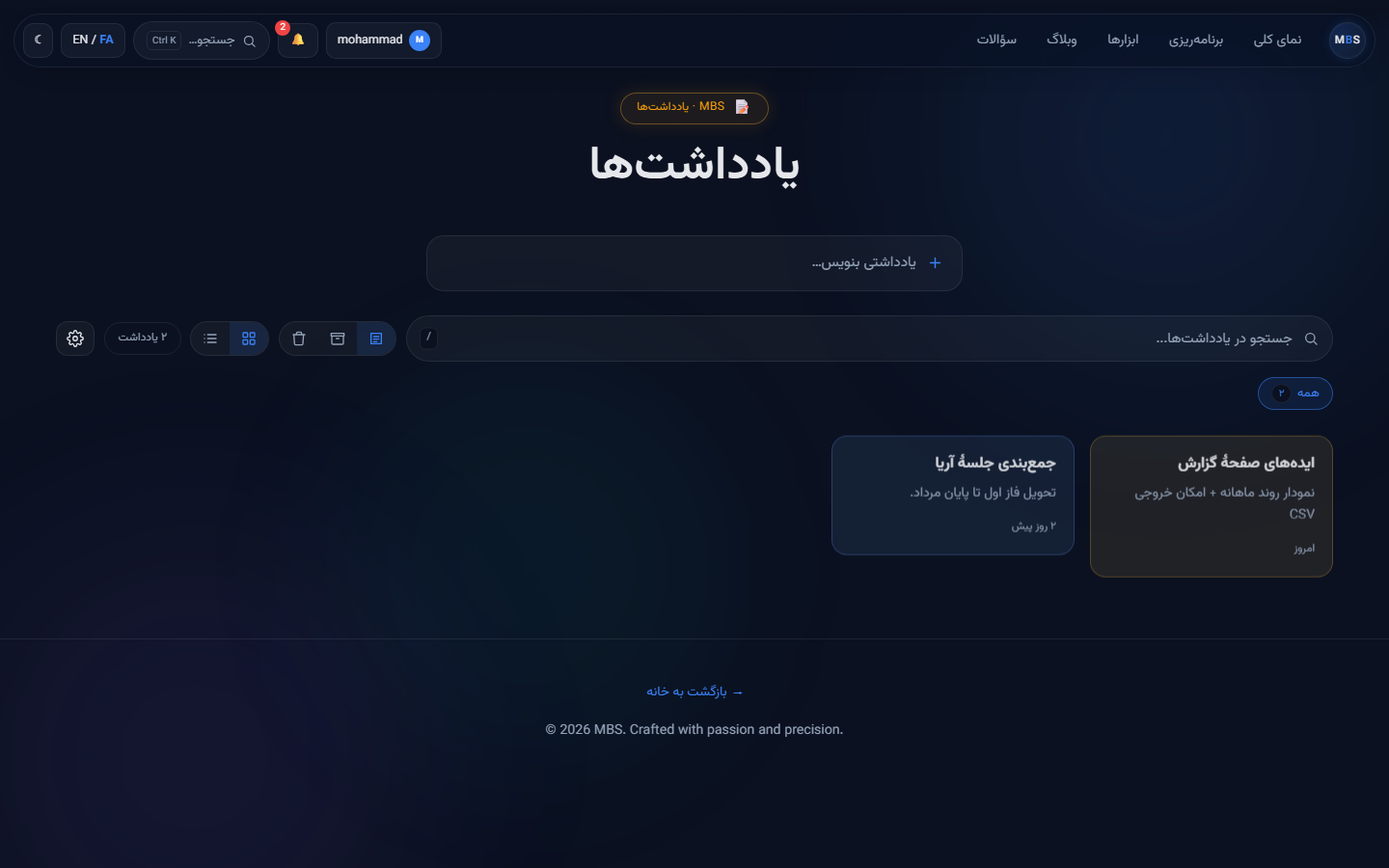
Quick notes with checklists, images, colours and public share links.
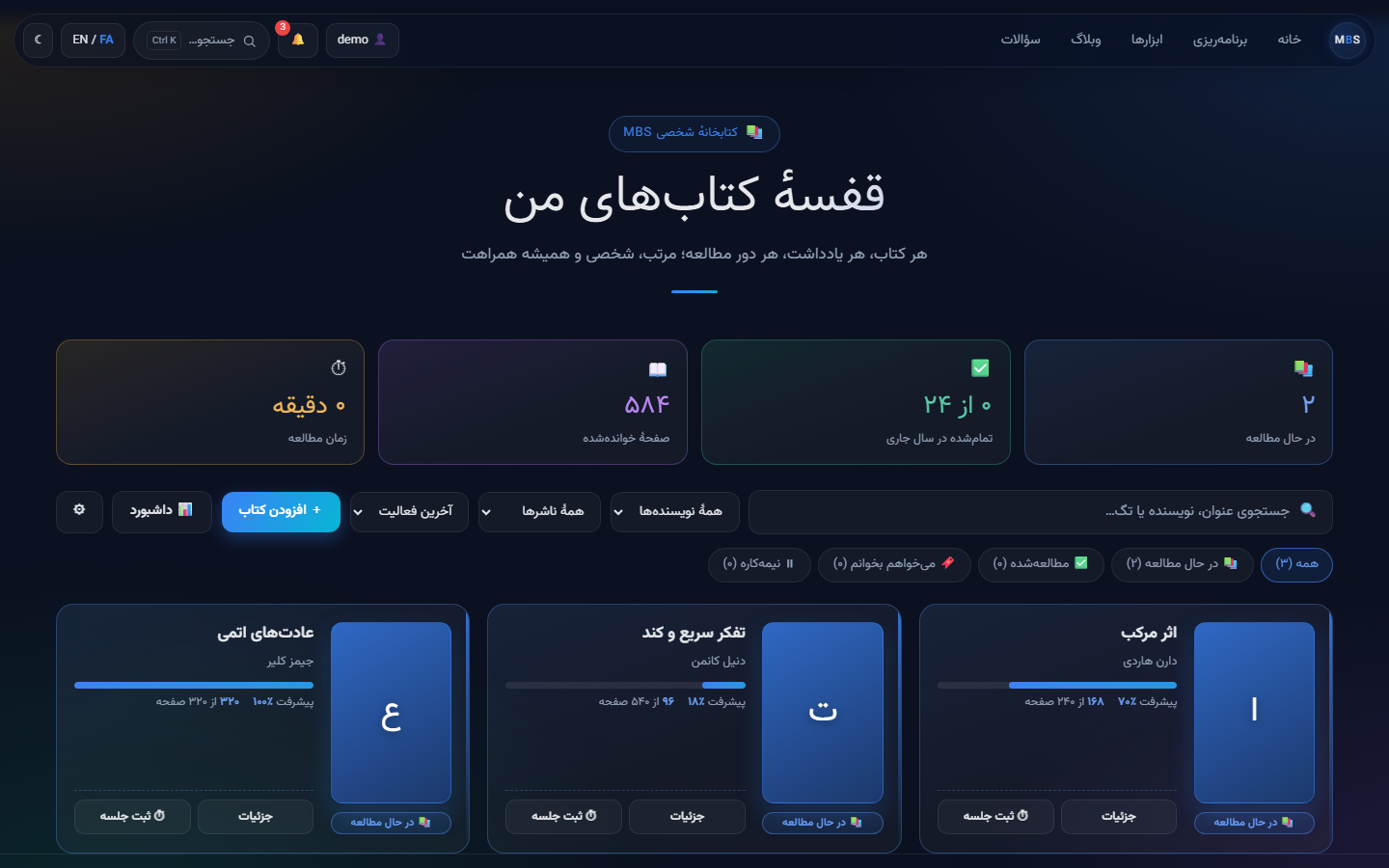
Reading sessions, notes, multi-volume series and yearly stats.
The Android app, on your own phone. Everything stays on the device — nothing is uploaded, so nothing can be taken away.
The same workspace on your phone and in this browser, synced, with Investments unlocked and every ceiling raised about tenfold.
Yes. Sign up with Google in one tap, or with a username and a password. The account is free and there is nothing to approve by hand any more.
The Android app, with everything kept on your own phone — planner, notes, books and money, up to the limits in the table above. It does not sync to the server and it does not open this website; that is what Pro adds.
Yes, once. Every account enrols an authenticator app or a passkey before its first session — including accounts created with Google, because Google proves who you are and is not a second factor by itself.
On the MBS server, in your own account. Nothing is sent to third-party analytics or advertising services, and no external CDN is used.
Yes — every module has a backup menu that exports to JSON, and the exports import back.
Yes. Every module has a layout designed for phones, and each one installs as an app from the browser.
Not yet. In the meantime you can install any module from your browser's menu — it behaves like a native app, offline included.
The free plan lives here: the whole workspace on your phone, with your data kept on the device. Until it is listed, every module installs from your browser menu and works offline the same way.
A free account takes one tap with Google, and nothing about it expires. Move up to Pro whenever the free ceilings start getting in your way — not before.
Create a free account